The free AI agent app. Really free.
Codync turns Claude Code, Codex, Cursor, Gemini and 40+ AI agents into named bots on your own computer, for code and everyday tasks. Message them from your iPhone, Mac, Windows PC or Linux desktop. No subscription, no paid tier: it's open source.
Code
Fix a bug, review a pull request or build a feature. Approve edits and commands from your phone.
Your apps
Connect email, calendars, docs and more through the MCP registry and Composio, and let bots browse the web.
On a schedule
Routines run a bot every morning, every hour or from a webhook, and you get the result as a message.
As a team
Put several bots in a group chat, mix Claude Code and Codex, and let them ask each other for help.
What it costs
$0
Codync is 100% free. No hidden fees, no paid tier, no locked features. Your bots run on the Claude, ChatGPT or other agent plans you already pay for.
See how Codync compares with Grok BotEverywhere
On every surface.
You don't have to keep the app open to know what your bots are doing.
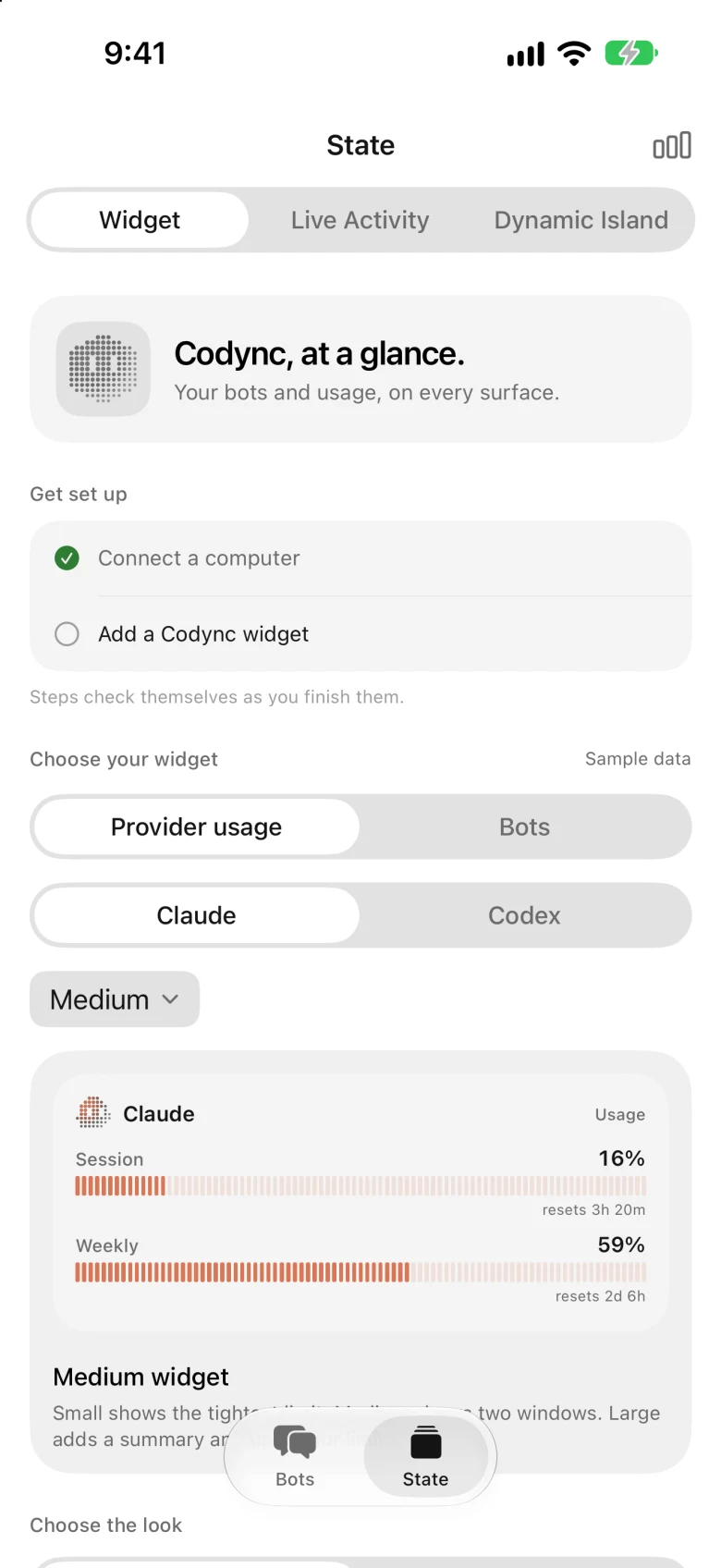
Widgets
Your bots and Claude or Codex usage on the Home Screen and Lock Screen.
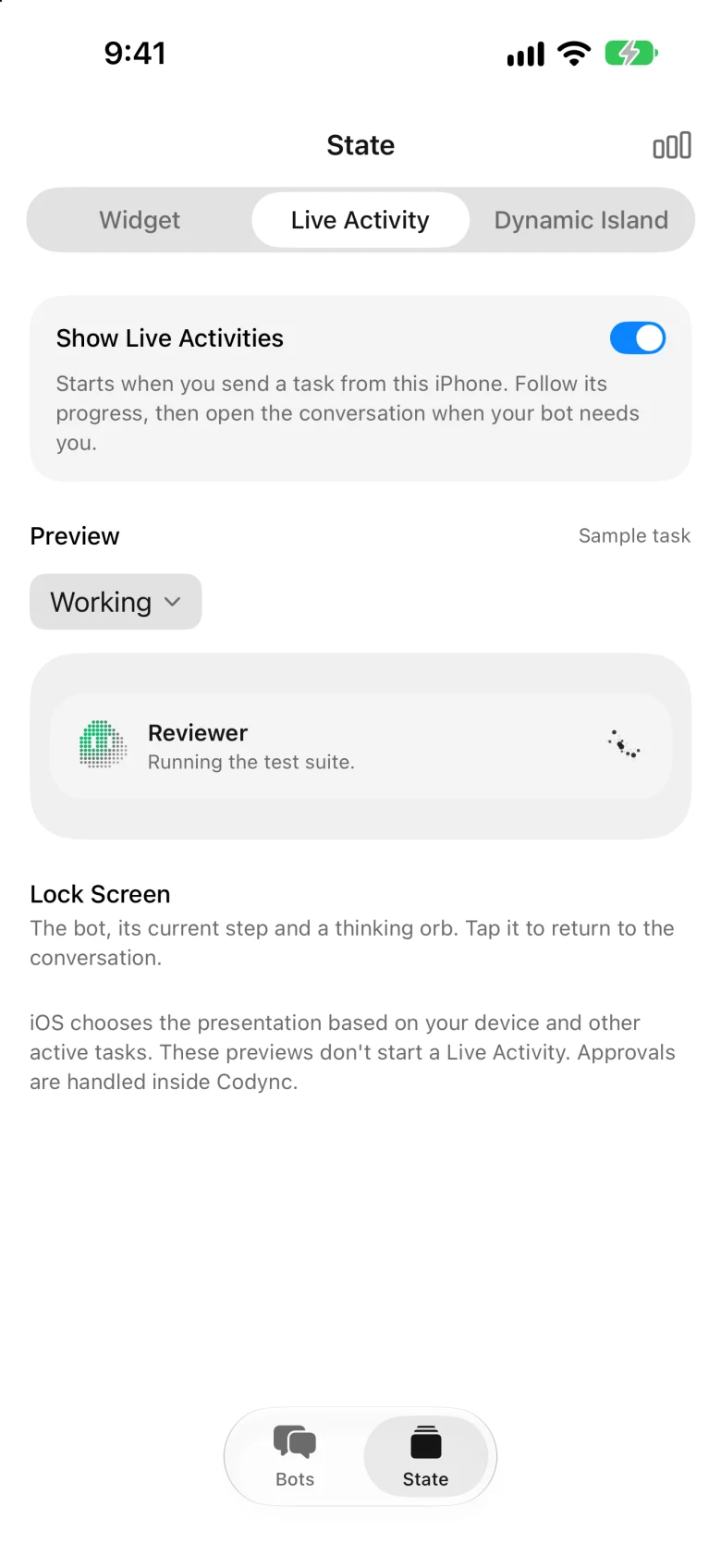
Live Activities
A working bot, its current step and a thinking orb on the Lock Screen. Tap to return to the chat.
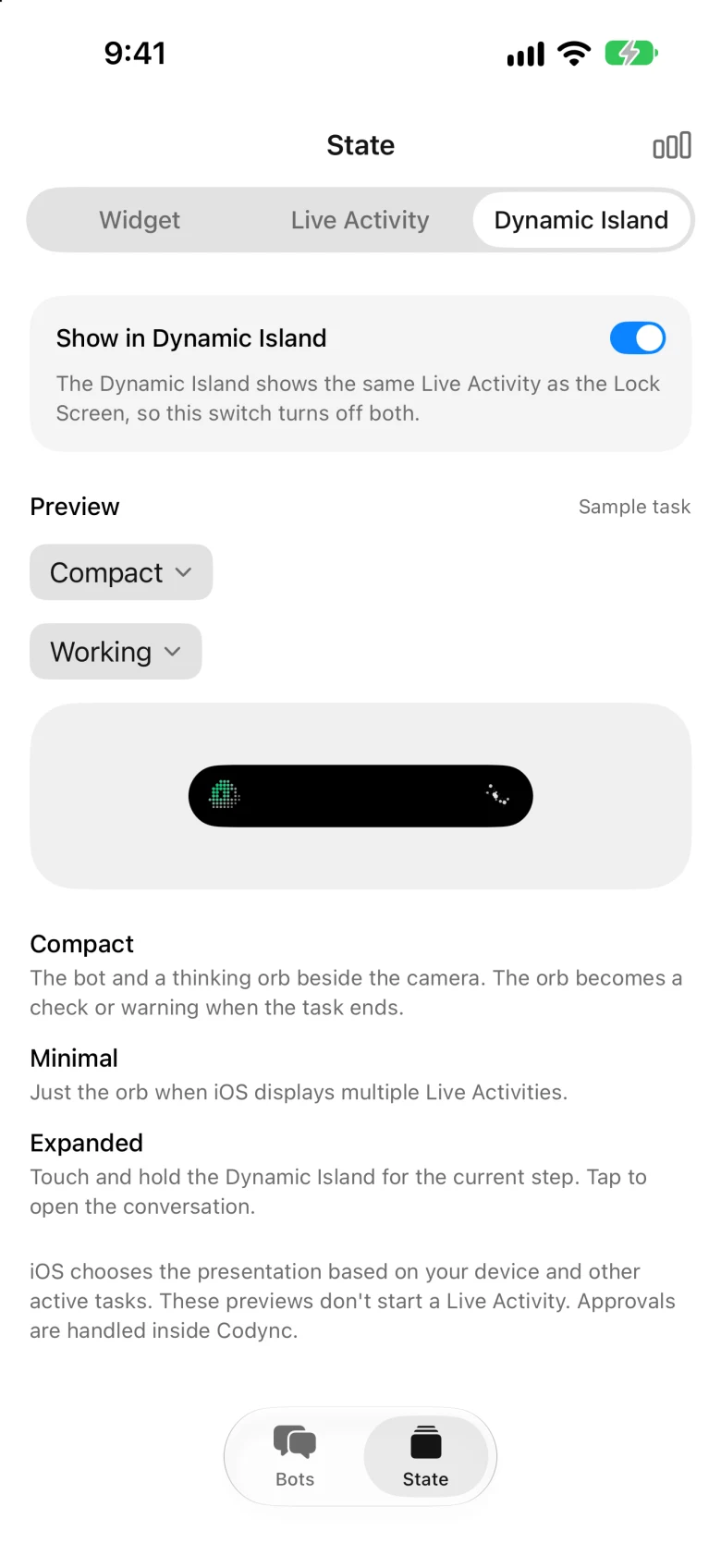
Dynamic Island
The same activity beside the camera while you're in another app. The orb turns into a check when it's done.
Questions
Is there a free AI agent app?
Codync is one: the app and every feature cost $0 and it's open source (MIT). Your bots use the agent plans or API keys you already have, such as a Claude or ChatGPT plan.
What's the catch?
None from Codync: no paid tier, no ads, no locked features. The agents themselves still need their own provider plan or key, and they run on your computer.
Which AI agents can I use?
Claude Code, Codex, Cursor, Gemini, Copilot, OpenCode and about 40 more through the Agent Client Protocol registry. Each bot picks its own.
Does it work on my phone?
Yes. The agents run on your Mac, Windows PC or Linux machine, and the free iPhone app lets you message them, approve their actions and get notified from anywhere.
Install
Install once.
Put Codync on the computer your agents run on, then pair your phone from it.
Mac
Open Codync and it starts the host itself. Or install with Homebrew:
brew install --cask leepokai/codync/codyncWindows
Run the installer and Codync starts the host itself. The installer isn't signed yet, so Windows asks you to confirm it once.
Download for PCLinux and servers
The host, plus the desktop app when there is a display. Then run codync-host install.
curl -fsSL https://raw.githubusercontent.com/leepokai/Codync/main/packaging/install.sh | shiPhone
Get the app, then scan the code from Pair iPhone… in the Mac menu bar, the Windows or Linux app, or codync-host pair.